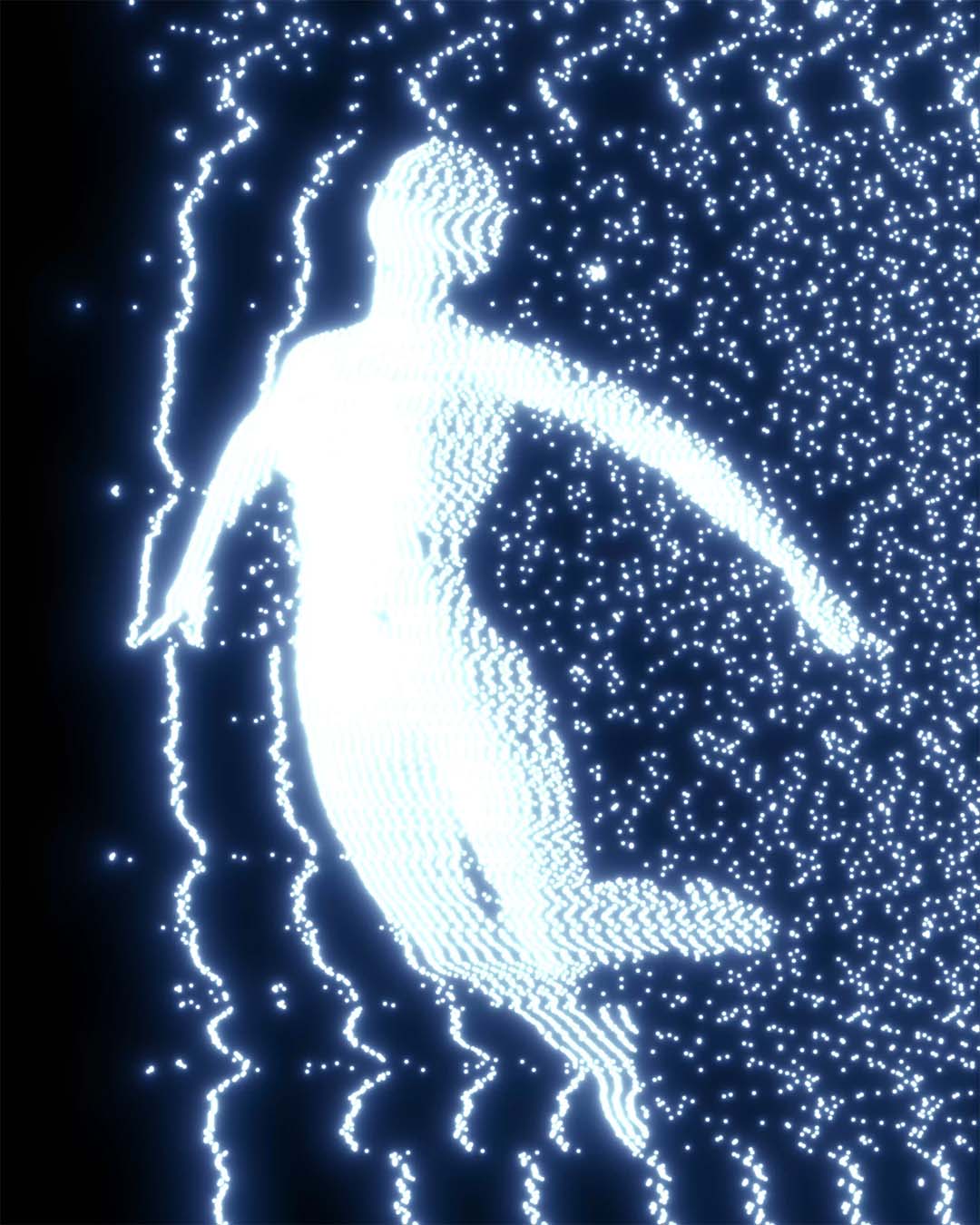
Modulation Lines Glitch Effect Guide!
I recently shared some work using this effect on twitter, and to my surprise I was asked again how it's created! I have made arguably way too many tutorials on this effect now, so here is a blog post that collects all of them up into one place, even the old ones! I have also created a demo preset you can load and use in Dither Boy if you'd like to experiment right away, without watching a tutorial.
See below, a list of all tutorials i've created that touch this effect, AND a free download for a Dither Boy preset that serves as a good starting point for learning this effect. Enjoy!
Tutorial for modulation but specifically on text, with info about why red dithers better:
Making a poster design with me, using the modulation effect:
Tutorial for modulation but with sick floating orbs and animation:
Modulation effect on video tutorial from before we added Epsilon Glow to Dither Boy:
Me doing a tutorial for a piece of artwork twice because of how often we update Dither Boy:
Another tutorial I made for some reason I literally can't remember why:
Tutorial I made right after we added the effect, so this could either be the best one or the worst:
More tutorials on this effect where I can't actually remember what sets these ones apart from the others, but i'm including them so you can get the point:
What kind of moron would make this many tutorials for one effect?
Me. I would. And if you've read this far into the blog post, it's likely your fault for supporting me.Â
The most recent one I created, which focuses on compositing and blending:
And finally, here is the free preset you likely came here to download:
 This preset is just intended to be a boring, safe starting point for creating your own effect, or your own version of the effects above.Â
If you are going to follow any of the tutorials above, having this downloaded and installed will help out a bit because you'll be able to skip setup!
Â
If you enjoy resources like this, please consider sharing Dither Boy or these tutorials with a friend!
If you like indie software free updates regular tutorials retro effects advanced dithering then meet Dither Boy!
Dither Boy
Dither Boy is all-in-one software for authentic retro image, video, and animation dithering. Featuring 63 unique dithering algorithms, a stackable effects pipeline, and full color support, Dither Boy gives you unrestricted access to advanced creative error diffusion, bitmap, halftone, and modulation effects like never before!
Dither Boy is designed to turn any dithering algorithm from a functional compression tool into a granular, editable, malleable effect.
Completely crush your image detail without losing resolution, or create fine and delicate dithering patterns in your work without compromising on style.
- Dither your work at any scale without losing your image quality
- Full color support with built-in palettes, automatic palette extraction from your images, or download and share user created palettes
- Video and animation support built in, with a timeline editor and live preview
- Work with 63 dithering algorithms, all animation and vector compatible, including custom algorithms you won’t find anywhere else
- Stack and reorder effects like Epsilon Glow, JPEG Glitch, Chromatic Aberration, and more
- Effects designed and created specifically for Dither Boy
- One purchase includes all future updates, no subscription required
- Export black vectors for print and embroidery files
- NEW: CMYK Halftone added in update version 6.0!
True to the visual era it was inspired by, Dither Boy requires no recurring subscription, and all future updates will be included in your purchase at no extra cost.
We have already completed an entire year of free updates in 2025!